
Alyssa Game Disappearing Documents: How to Access Your Journal
In ALYSSA, disappearing documents are not lost or bugged; picked-up papers and story notes transfer directly into your in-game journal rather than your general item inventory. Pressing the J key opens the journal immediately so you can read every collected document.
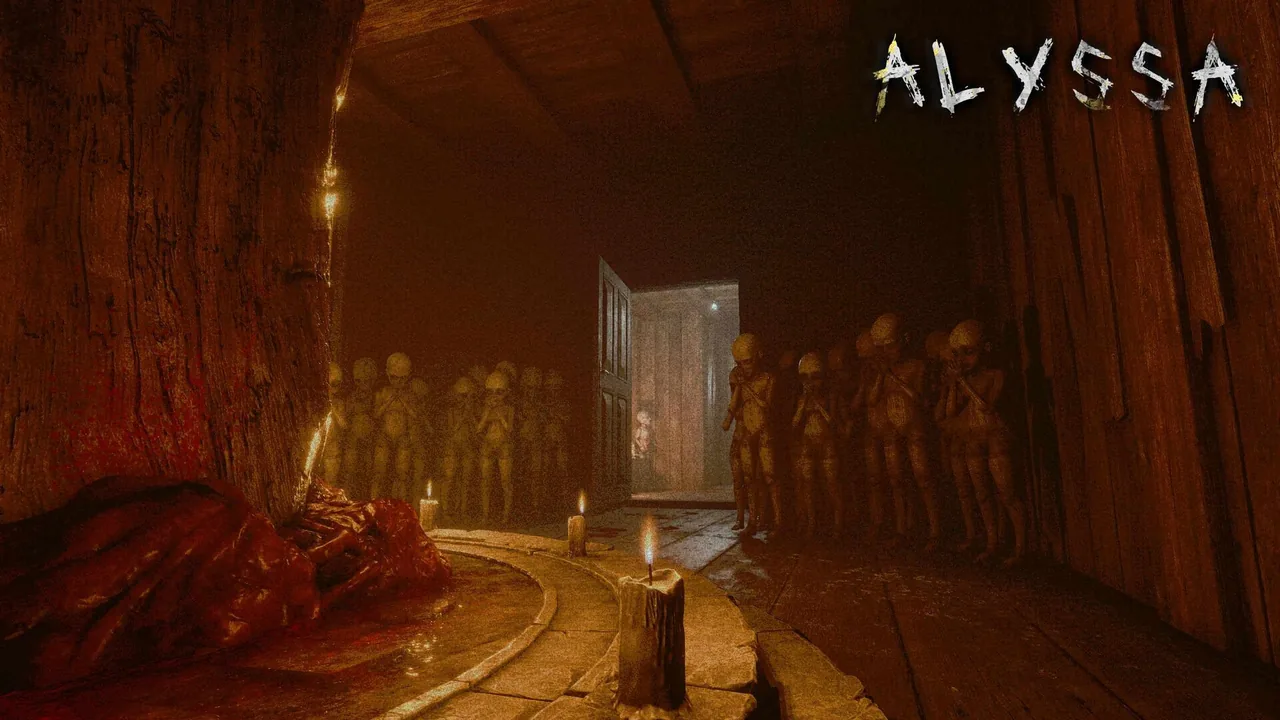
In ALYSSA, disappearing documents are not lost or bugged; picked-up papers and story notes transfer directly into your in-game journal rather than your general item inventory. Pressing the J key opens the journal immediately so you can read every collected document.
Where Collected Notes Go in ALYSSA
When exploring rooms in the mansion, picking up loose sheets, letters, or scattered written lore prompts an on-screen collection animation. If you open your standard item inventory immediately afterward, those text sheets do not appear among physical survival supplies like matches.
The game uses two distinct management menus: a physical inventory for tools or puzzle components, and a dedicated journal log for written lore. The Steam community discussion for the game confirms that written notes bypass the item bag and deposit directly into the log interface. The story details remain saved even if you collect them in dark corridors or early puzzle rooms.
Resolving Document Disappearance by Item Category
During the opening section involving the wooden blocks puzzle, players often gather matches, quest objects, and text fragments within minutes. The table below outlines how ALYSSA handles each type of collected resource:
| Pickup Category | Storage Interface | Access Method |
|---|---|---|
| Written Papers and Lore Notes | Journal | Press J key on the keyboard |
| Usable Items (such as matches) | Item Inventory | Open regular item inventory menu |
| Quest Blocks and Puzzle Pieces | Item Inventory | Interact directly with the target puzzle structure |
Separating puzzle items from narrative documents keeps key items visible while ensuring lore entries remain accessible throughout the mansion. If keyboard inputs fail to open the journal window, verify custom key mappings in the system menu to resolve possible controls not working conflicts.
Accessing the Journal Menu
Pressing J opens the journal viewer, pausing Alyssa's movements and displaying every collected page in chronological order. This function is present in both the Steam demo and the full release from developer Broken Arrow Games.
Re-reading gathered documents offers hints for opening locked drawers and understanding the mansion's dark background. Players familiar with the studio's previous title will recognize the dont be afraid connection in how environmental storytelling and readable documents flesh out the surrounding kidnapping mystery. If you pick up a sheet and notice empty inventory slots, pressing J brings the missing document back onto your screen.
Next step
Endgame Bug
A clear breakdown of the late-game softlock involving the chandelier and owl statues, helping you complete the ending safely.