
Alyssa Game Steam Deck Compatibility and Performance
Alyssa runs on Steam Deck through custom in-game adjustments, though Valve lists its official compatibility as Unknown. Players report completing the standalone demo without crashes while using deadzone options added by developer Broken Arrow Games.
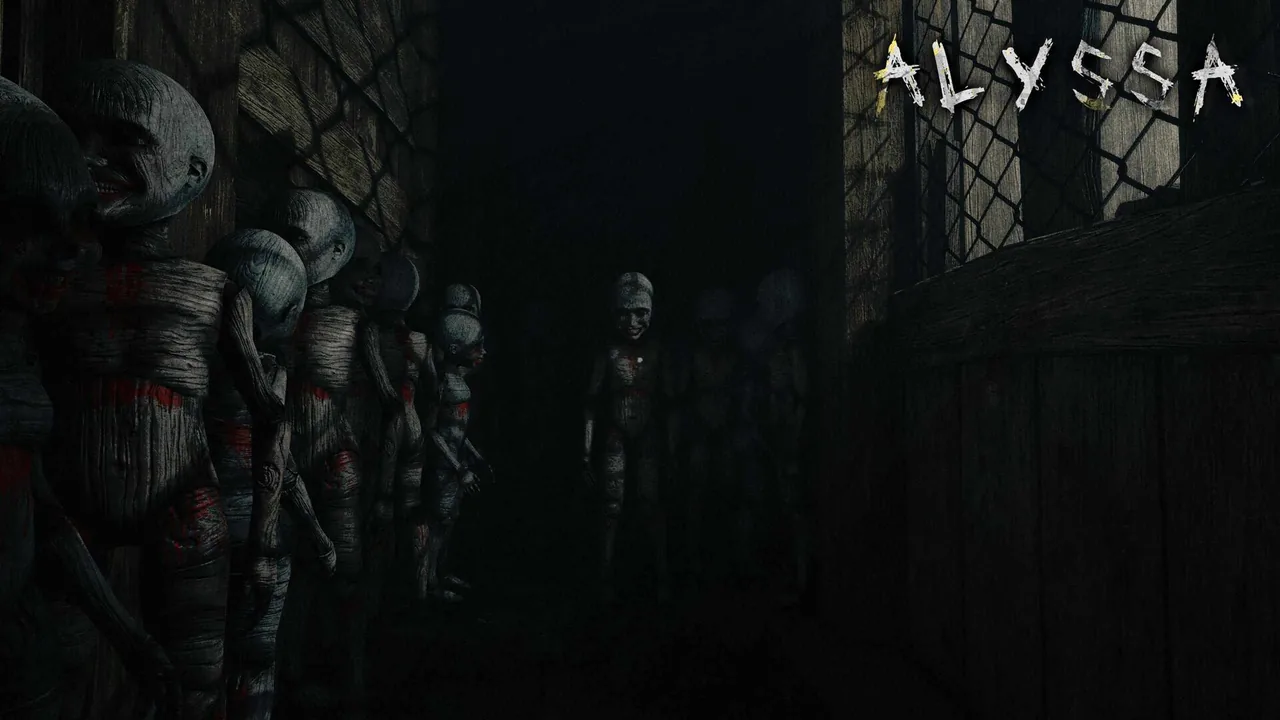
Alyssa runs on Steam Deck through custom in-game adjustments, though Valve lists its official compatibility as Unknown. Players report completing the standalone demo without crashes while using deadzone options added by developer Broken Arrow Games.
Steam Deck Verification Status
Valve lists the official Steam Deck compatibility for the horror adventure ALYSSA as Unknown on the official steam store page. Broken Arrow Games launched the full game on October 22, 2026, following the release of a standalone demo on January 16, 2026.
Valve conducts manual review cycles for handheld verification badges, categorizing titles as Verified, Playable, Unsupported, or Unknown. While the game currently carries the Unknown designation, players can still install and run the Windows build on the handheld through Valve's Proton compatibility layer.
Handheld Performance and Settings
Player testing shared in the Steam community discussions confirms that the game runs from start to finish on the handheld. In a dedicated Steam Deck feedback thread, a player reported finishing the entire demo without encountering crashes or software locks after tuning down graphical options in the settings menu.
The release build includes several performance adjustments introduced in Updates 1.1.1 and 1.1.2. Players running the release build on lower-tier hardware noted occasional slowdowns in dense environments, specifically inside the lair of mortimer. Keeping display options adjusted helps maintain smooth frame pacing during tight exploration sequences.
Controller Support and Stick Deadzone Configuration
ALYSSA supports gamepad controls alongside standard mouse and keyboard inputs. Early user reviews described default movement as slightly floaty on analog inputs, but standard gamepads function across menus and gameplay scenes.
Developer Broken Arrow Games addressed movement bugs directly in Update 1.1.2:
- Open the in-game settings menu.
- Locate the Stick Deadzone slider.
- Increase the deadzone threshold if Alyssa moves forward automatically without thumbstick input.
This setting specifically prevents an auto-walk issue triggered by detected controller hardware. If inputs fail to respond entirely during play, reviewing troubleshooting steps for controls not working can resolve active device conflicts.
Hardware Specifications Comparison
Evaluating hardware requirements helps determine how the game stresses handheld and desktop components during play:
| Hardware Tier | Processor and Graphics Spec | Storage and Memory |
|---|---|---|
| Minimum Desktop Spec | Intel Core i3-10100 / Ryzen 3 3100, GTX 1060 (6 GB) | 8 GB RAM, 6 GB storage space |
| Recommended Desktop Spec | Intel Core i5-10400 / Ryzen 5 5600, GTX 1660 Super | 16 GB RAM, 6 GB storage space |
| Handheld Demo Target | Steam Deck Custom APU, adjusted visual settings | 16 GB unified RAM, 2 GB storage space |
The Steam Deck hardware profile shares memory bandwidth between CPU and GPU tasks, placing its graphical performance near the minimum required threshold. Using the in-game deadzone options and keeping visual settings moderate allows the handheld to handle Alyssa's exploration sequences smoothly.
Next step
Story Walkthrough
Find puzzle solutions, fuse routes, and evasion tactics to escape the mansion and complete the story of Alyssa.