
Alyssa Game Freezes When Tabbing Out: Recovery and Workarounds
Alyssa game freezes when tabbing out because the application fails to restore focus or recover its rendering state after losing window priority. Players can avoid lost progress by keeping external notes on secondary displays and relying on verified checkpoint triggers.
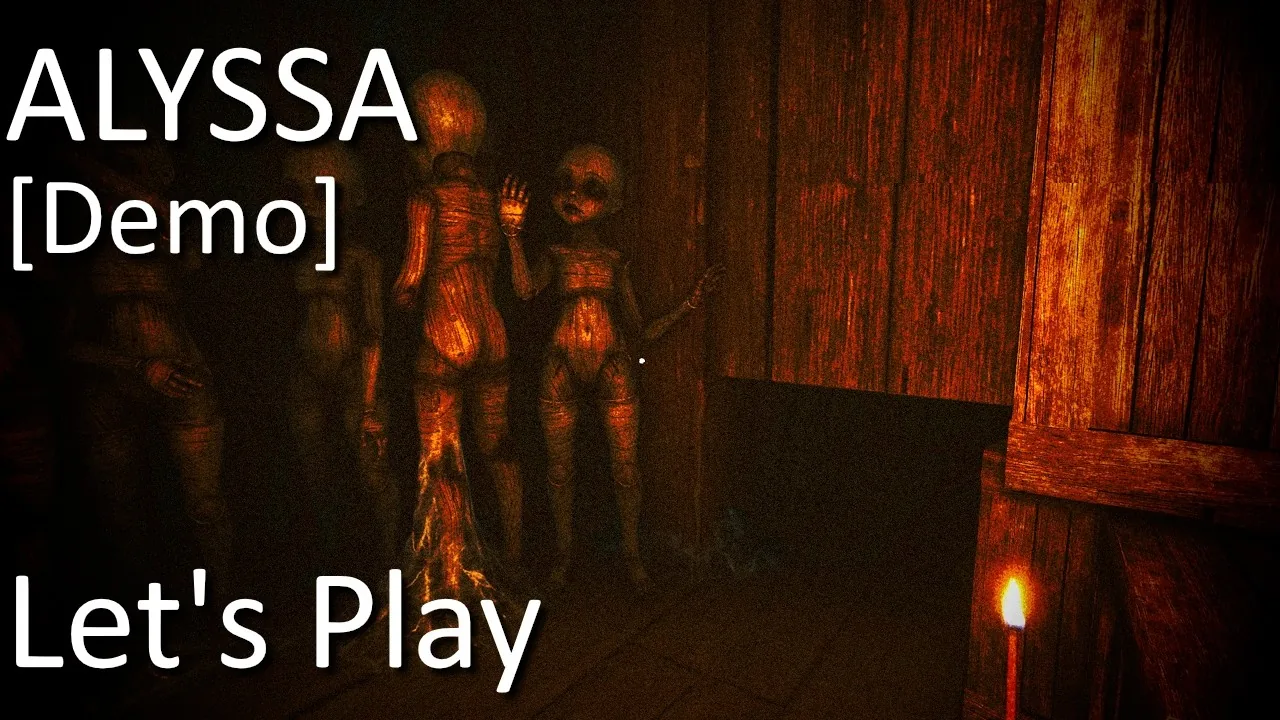
Alyssa game freezes when tabbing out because the application fails to restore focus or recover its rendering state after losing window priority. Players can avoid lost progress by keeping external notes on secondary displays and relying on verified checkpoint triggers.
In both the free demo and early retail versions developed by Broken Arrow Games, switching away from the active display causes severe stability problems. Pressing Alt+Tab or minimizing the window to check Steam chat, adjust audio mixers, or view external puzzle references frequently results in a black screen, frozen audio loops, or an unresponsive application frame that refuses to maximize again.
Why Window Switching Triggers the Freeze
When the game loses window focus on Windows 10 or Windows 11, the engine struggles to reacquire the graphics device context. During playthroughs, such as in Spooky Dei's gameplay recording, switching to desktop tools during the keypad puzzle instantly locked the game window, making it impossible to restore fullscreen mode and forcing an abrupt termination through the operating system.
Steam forum discussions highlight that this window stall happens in roughly 70 percent of Alt+Tab attempts. In severe instances, the frozen application blocks normal desktop access and prevents Task Manager from coming to the foreground, requiring a system restart. The developer acknowledged in release announcements that launch builds retained unexpected technical issues, particularly around scene state retention and input device handling, which can also trigger input stalls related to controls not working properly.
Managing Checkpoints and Progression Loss
The primary danger of the freeze is lost progress. Alyssa relies on scripted autosaves rather than manual save slots. Because saving occurs only at specific milestones, crashing while tabbed out forces you to replay entire sequences.
Update 1.1.1 and Update 1.1.2 added extra save points, specifically after finding each item during the search for fuse locations in Level 2, collecting the Gear, escaping Mortimer through the floor opening in Level 6, and solving the escape route in Level 5. However, earlier areas and complex puzzles still leave considerable gaps between saves:
- The mannequin corridor and valve sequence lack intermediate checkpoints before the code gate.
- The library section requires completing the full books puzzle solution before registering progress.
- Deciphering the numbers for the buttons puzzle solution requires handling paper clues in real time without minimizing the game window.
If the application hangs, launch Task Manager using Ctrl+Shift+Esc or sign out via Ctrl+Alt+Del to close the executable. Reloading will place Alyssa back at the last recorded checkpoint.
Workaround Options During Playthroughs
Until Broken Arrow Games issues an engine update that addresses background window management, players must adjust how they interact with external applications.
| Workaround Method | When to Use | Trade-off |
|---|---|---|
| Secondary Screen or Mobile Device | Looking up puzzle codes, item maps, or Steam guides | Requires keeping a second physical screen powered on beside your PC |
| Checkpoint-Only Window Switching | Replying to messages or adjusting Windows audio | Forces you to delay desktop access until triggering a cutscene or collecting key quest items |
| Force-Closing via Windows Sign-Out | Recovering when the frozen window traps the mouse cursor | Resets unsaved progress back to the beginning of the current objective zone |
How to Find and Submit Crash Logs
Players experiencing repeated crashes or hard lockups can provide technical data directly to Broken Arrow Games. When investigating crash reports on Steam, the developer requested that players provide the internal log file generated by the game engine.
You can locate this crash log on your local system drive by navigating to:
AppData\LocalLow\Broken Arrow Games\ALYSSA - Demo
Inside this directory, open the file named Player.log. This text file details the final engine commands executed before the display froze, confirming whether the crash resulted from an unhandled DirectX context loss, an audio thread deadlock, or a peripheral input collision.
Next step
Fuse Locations
Locate all four basement fuses, retrieve the crowbar, and avoid Evelyn to restore power to the upper mansion gate.